
The usual worry about keeping AI chats in Obsidian is “vault bloat”. A few months of ChatGPT and Claude is hundreds of notes, and nobody wants them in every search result, every quick switcher list and the middle of the graph.
The main fix isn’t fewer chats. It is to stop browsing them as files. Give every chat the same few properties, keep them in one folder, and reach them through tables and links. This works however the chats got into your vault: pasted by hand, from an export, or saved by an extension.
One folder for every chat
Pick one folder, such as AI Chats, and put every chat in it. Subfolders per service or project are fine. The point is that the rest of your vault never has to see them.
- Obsidian Vault
- AI Chats
- AI Chats index.md
- ChatGPT
- Travel
- 2026-10-17 Lisbon food trip.md
- Travel
- Claude
- 2026-10-20 Postgres index tuning.md
- Daily
- Projects
- AI Chats
Start each file name with the date, as in 2026-10-17 Lisbon food trip.md. The file list then sorts by date, and Dataview reads the date from the name too (file.day (opens in a new tab)).
Properties and tags: the part that matters
A folder only sorts files. Properties let you ask questions. Give every chat note the same frontmatter. These are the names we use below:
---
title: "Lisbon food trip"
source: "ChatGPT"
url: "https://chatgpt.com/c/..."
model: "gpt-5"
created: 2026-10-17T10:41:00
updated: 2026-10-17T11:05:12
tags: [ai-chat, chatgpt]
project: "Travel"
---
A few rules make the queries reliable:
- One tag on every chat.
ai-chatis the handle every query and filter uses. A folder also holds pictures and other files; the tag marks only the chats. - Dates as date and time. Obsidian’s properties (opens in a new tab) store “Date & time” as
2026-10-17T10:41:00, and a property type applies to every note in the vault. Dataview reads the same text as a date. - Your own judgement as a property. Add
status: keeporrating: 4when a chat turns out to be useful. That is how you separate the 20 chats you reread from the 300 you don’t.
Without any plugin, Obsidian’s search (opens in a new tab) already filters by these: tag:#ai-chat, [source:Claude], or [project:Travel] lisbon.
Dataview tables you can copy
Dataview (opens in a new tab) is a community plugin. Paste any of these into a note. They start FROM #ai-chat, which selects every note with that tag (data commands (opens in a new tab)).
Every chat, newest first:
```dataview
TABLE source, model, created
FROM #ai-chat
SORT created DESC
```
How many chats you have per project:
```dataview
TABLE length(rows) AS Chats
FROM #ai-chat
WHERE project
GROUP BY project
```
Chats from the last seven days:
```dataview
LIST
FROM #ai-chat
WHERE created >= date(today) - dur(7 days)
SORT created DESC
```
Chats you haven’t sorted yet, oldest first. This is your review queue:
```dataview
TABLE source, created
FROM #ai-chat
WHERE !status
SORT created ASC
LIMIT 20
```
Change #ai-chat to #claude or #chatgpt to see one service. Add AND contains(title, "Lisbon") to the WHERE line to narrow by title (contains is case-sensitive (opens in a new tab)).
The same table with Bases, no plugin
As of November 2026, Obsidian has a core plugin called Bases that makes database-style tables from properties (Bases syntax (opens in a new tab)). You can embed one in any note with a base code block (Create a base (opens in a new tab)):
```base
filters:
  and:
    - file.hasTag("ai-chat")
views:
  - type: table
    name: All chats
    order:
      - file.name
      - source
      - model
      - created
      - project
  - type: table
    name: Claude
    filters:
      and:
        - 'source == "Claude"'
    order:
      - file.name
      - created
```
Unlike Dataview, a base has no FROM: it starts with every file in the vault, and filters narrows it down. Sort the table with the Sort menu at the top of the view.
Link chats from your daily notes
Daily notes (opens in a new tab) is a core plugin that names each note by date, YYYY-MM-DD by default. That date is the link between your journal and your chats.
The simple way is to link the chat by hand: [[2026-10-17 Lisbon food trip]]. The query way is to put this in your daily note template. It lists the chats started on that note’s day:
```dataview
LIST
FROM #ai-chat
WHERE striptime(created) = this.file.day
```
striptime drops the time from created, and this.file.day is the date in the daily note’s name. Keep in mind that a query is not a real link: it doesn’t show in backlinks or the graph.
One index note for the whole archive
Make one note, such as AI Chats index, and treat it as the front door. Put the first Dataview table or the base in it, then a short list of the chats you come back to. Bookmark it. With an index and daily notes, you rarely open the AI Chats folder at all.
Keep chats out of search and the graph
This is the direct answer to vault bloat. In Obsidian, open Settings → Files and links, find Excluded files under Advanced, click Manage and add your chats folder (Obsidian settings (opens in a new tab)).
Excluded files are hidden from search, graph view and unlinked mentions, and shown lower in the quick switcher and link suggestions. They stay in the vault and the file list, and links to them still work.
Note
The trade-off: Obsidian’s search no longer finds text inside your chats. If you search them often, leave the folder in, and add tag:#ai-chat to a search when you want only chats.
Decide what not to keep
Some chats are not worth a note. A quick test before you save, or during your review:
| Keep | Skip |
|---|---|
| Decisions, plans and their reasons | “Rewrite this email” one-offs |
| Code you shipped or may reuse | Test prompts and retries |
| Research with sources | Chats about things you can’t store on this computer |
| Anything you’d be annoyed to lose | Answers you’d ask again in a minute |
Deleting is fine. If you only want a single chat now and then, export one ChatGPT chat by hand, or keep it outside the vault as a PDF.
The automatic way
We make Chat to Markdown. It’s a Chrome extension that saves your ChatGPT, Claude and other chats as Markdown notes in a folder you choose, such as your vault, and keeps them up to date when you continue a chat. The setup is in the guides for ChatGPT and Claude. Here is how it fills in everything above.
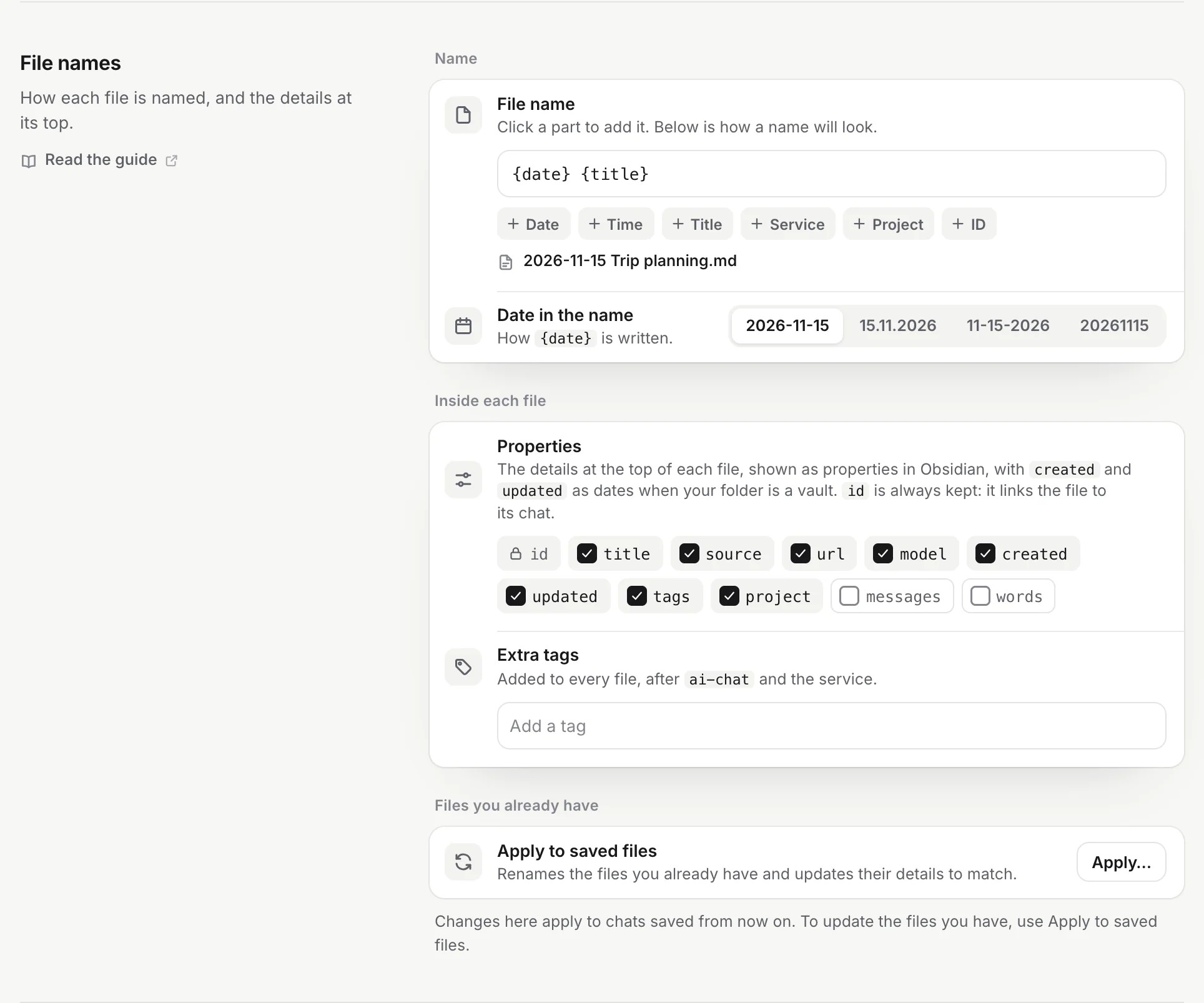
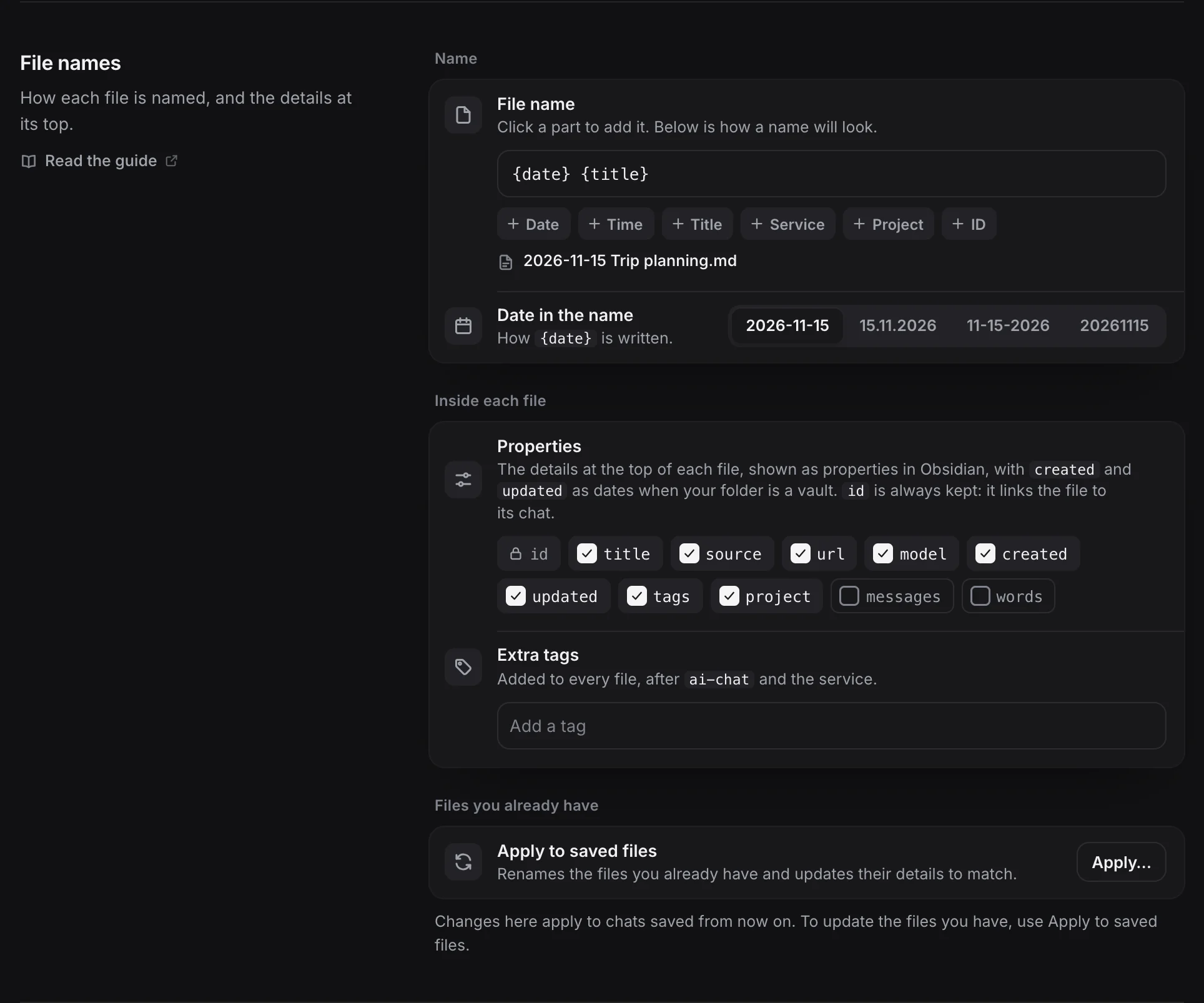
Properties. Every note gets title, source, url, id, model, created, updated, tags and project when the chat is in one, with the same names as the queries in this post. Tags are ai-chat plus the service (chatgpt, claude), and you can add extra tags in Settings → File names. messages and words are there too, off by default. Properties you add yourself, like status, are never touched (what’s in a saved file).
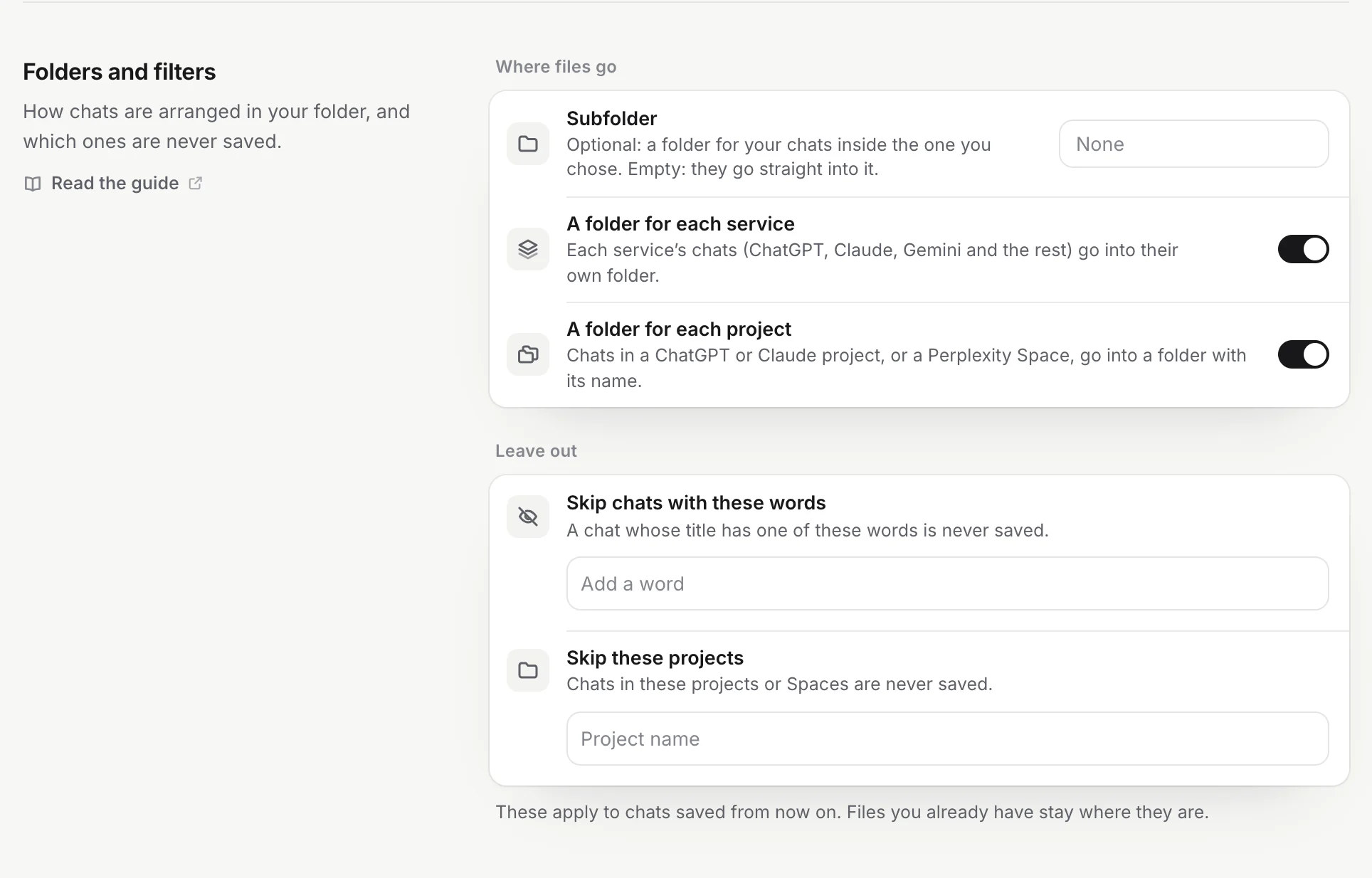
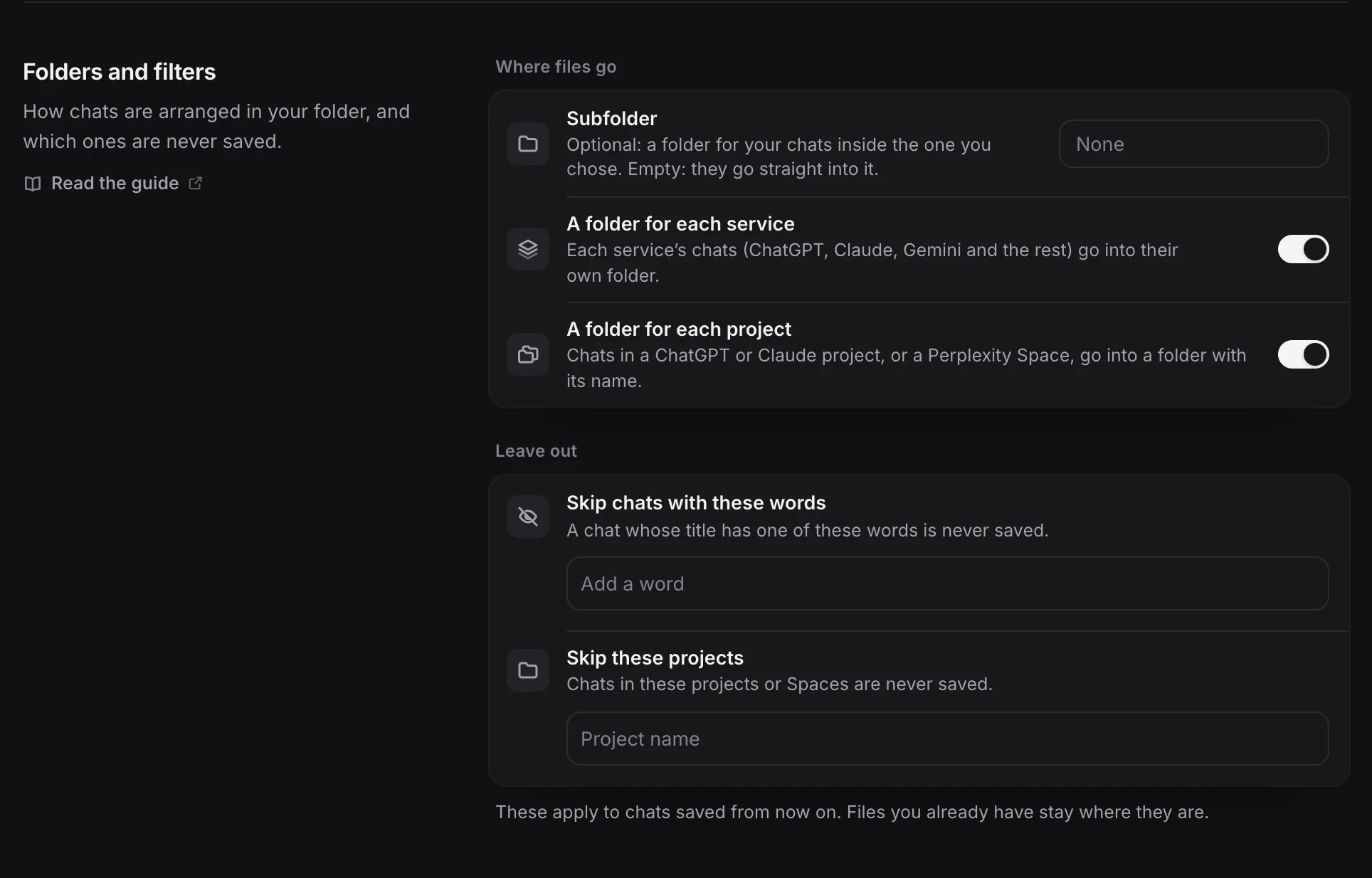
One folder. Set a Subfolder such as AI Chats in Settings → Folders and filters. Each service and each project gets a folder inside it (folder layout).
What not to keep. In the same section, Skip chats with these words and Skip these projects keep chats from ever being saved.
Daily notes and the index. Two switches in Settings → Obsidian, both off by default and free:
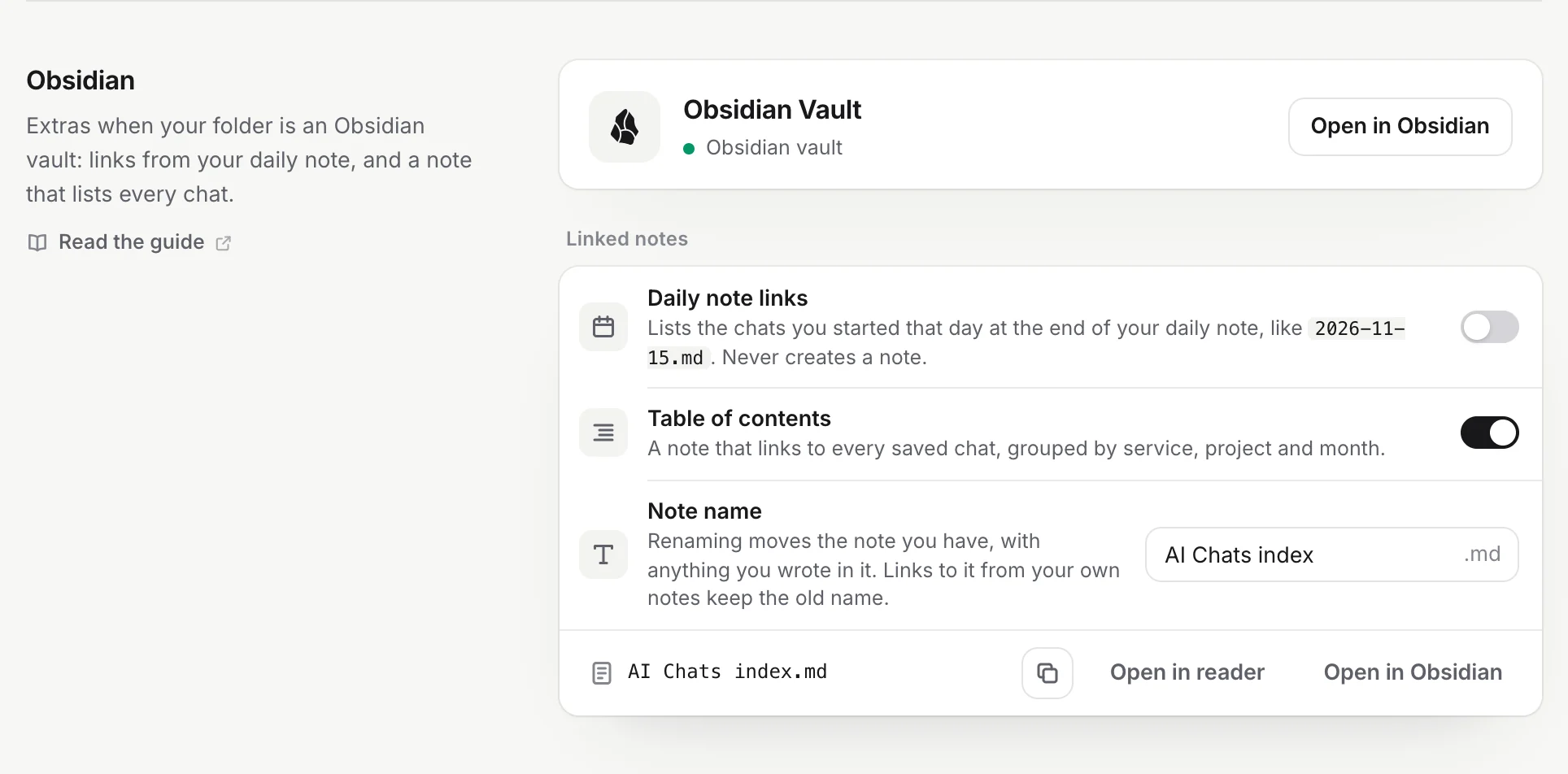
- Daily note links adds real links to the chats you started that day at the end of that day’s daily note. It reads your Daily notes settings and never creates a daily note (daily note links).
- Table of contents keeps one note,
AI Chats index.md, that links every saved chat by service, project and month (table of contents). In the graph it becomes one hub instead of hundreds of loose dots.
Both write only between their own marker comments, so text you add to those notes stays.
What it doesn’t do: it doesn’t move or tidy files already in your vault. If you delete a saved note, it comes back when that chat changes on its site, unless you add a skip rule for it. Daily note links also need your vault’s top folder as the save folder (Use with Obsidian).
It’s free for 10 chats, no account. Pro saves every chat you’ve had.