What's new in 1.0.4
What's new in Chat to Markdown 1.0.4: choosing your folder now says what went wrong and what to do, in Chrome and in Brave.
In short
Version 1.0.4 makes choosing a folder clearer. If the folder picker closes without a folder, the page says so and reminds you that Chrome doesn't accept Documents, Desktop or Downloads themselves. In Brave, where folder access is off by default, the extension shows how to turn it on. A tip explains how to make a new folder for your chats. The messages are the same on the welcome page, in Settings and in Import.
Version 1.0.4 is about one step: choosing your folder. When that step brings no folder, the extension now says why and what to do. This page covers each change and how to get it. Every version is listed on the release notes page.
Get the update
Version 1.0.4 is in the Chrome Web Store since 13 November 2026. Chrome and Edge update extensions on their own, usually within a few hours, and new installs get 1.0.4 right away. You don’t need to set anything up again: your folder, services, settings and saved chats stay as they are, and the update asks for no new permissions.
To see which version you have, open the extension’s Settings and look at the bottom of the page, next to the name. It reads v1.0.4 once you have it. To update sooner, open chrome://extensions, turn on Developer mode and click Update. More in Install the extension.
Improved: a clear answer when no folder is chosen
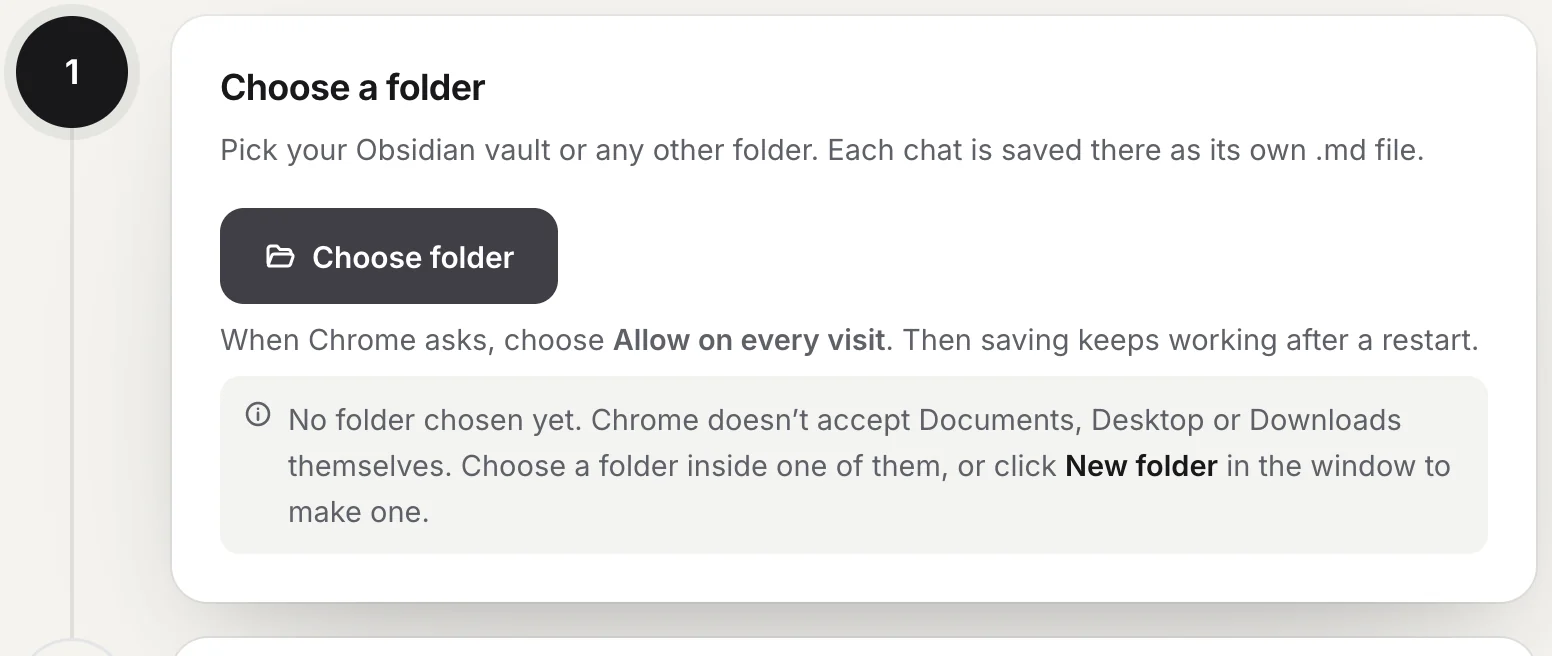
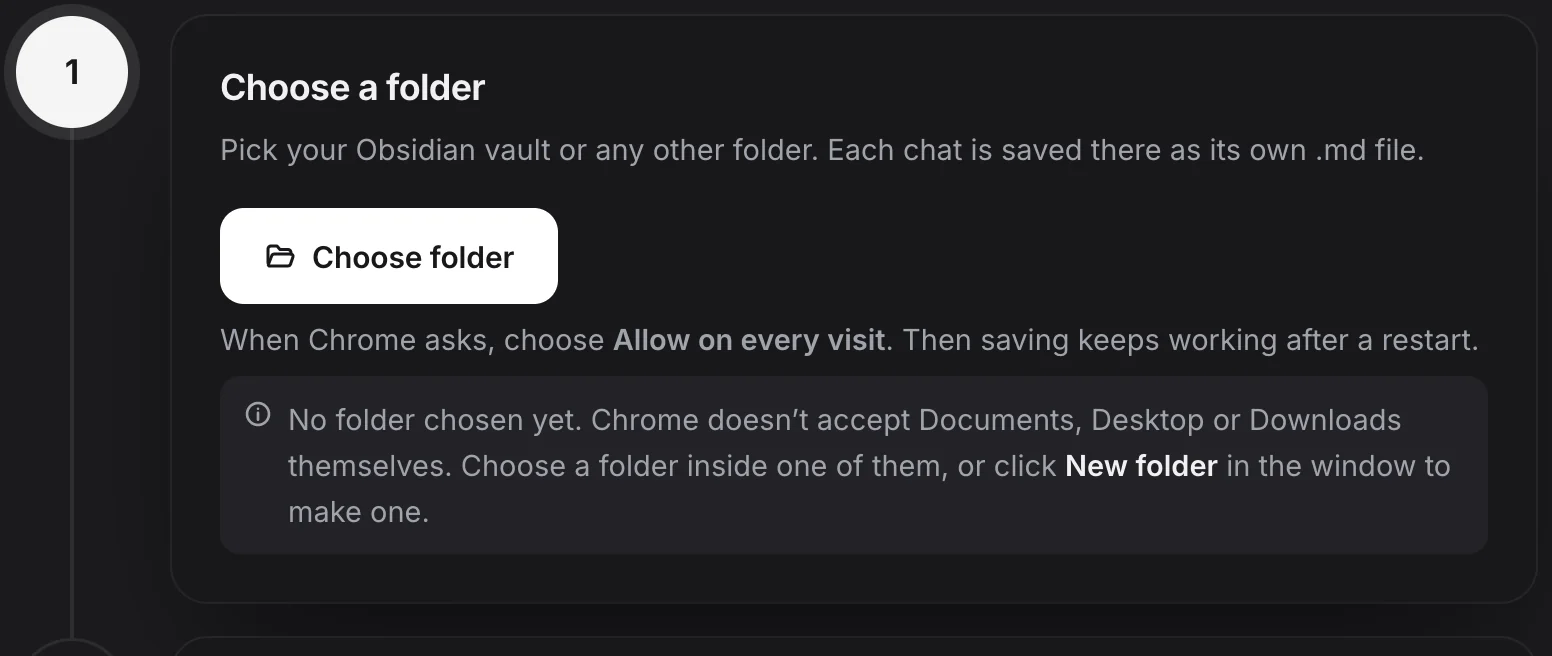
Chrome doesn’t let an extension use Documents, Desktop or Downloads themselves. It says such a folder “contains system files”, and if you close that message, nothing was chosen. Before, the welcome page stayed as it was. Now a note under Choose folder says No folder chosen yet and what to do: pick a folder inside one of them, or click New folder in the picker to make one.
If you clicked the button at the top of the welcome page, the page scrolls to step 1, so you see the note.
More in Choose your folder.
New: a tip for making a folder
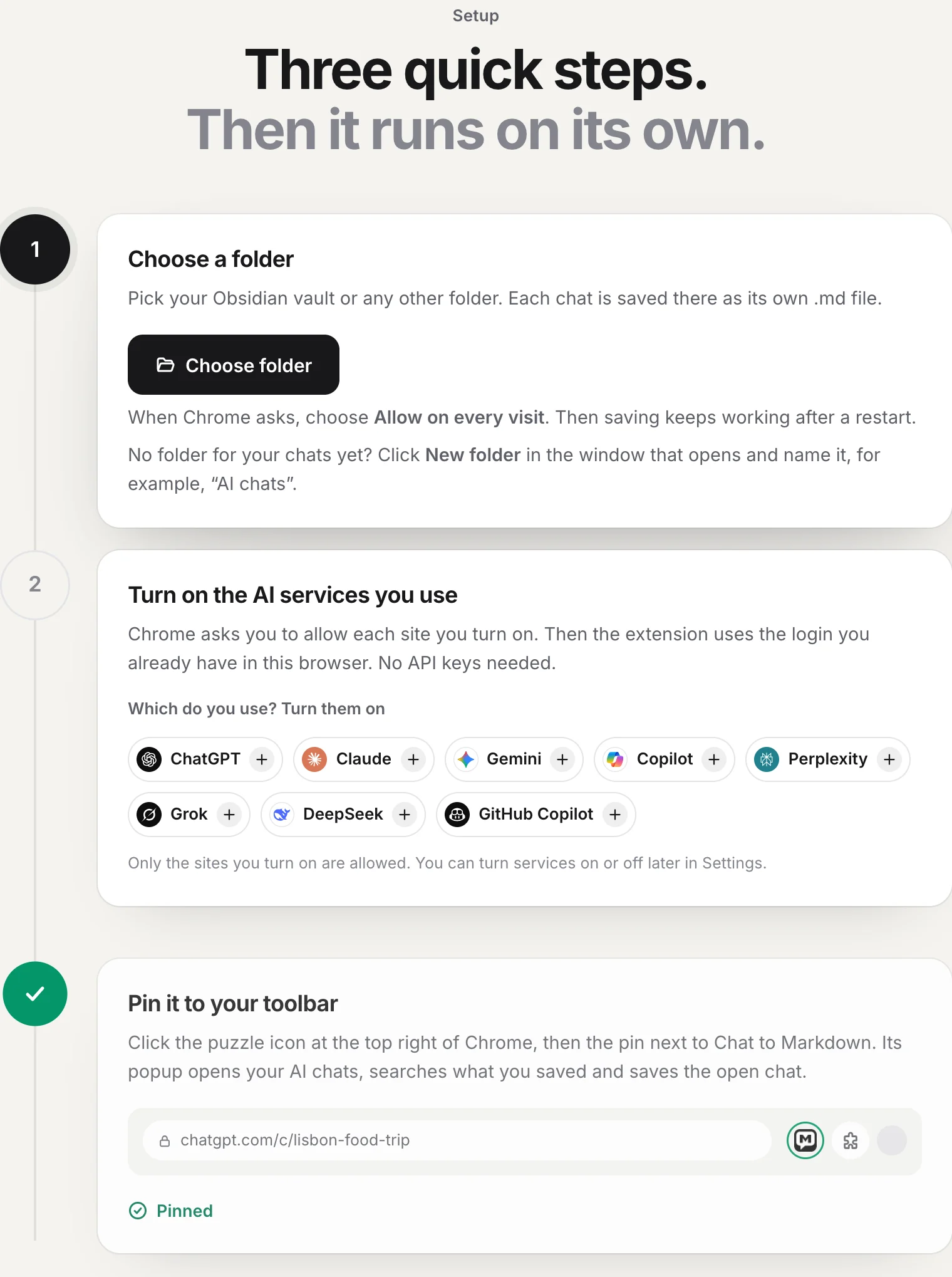
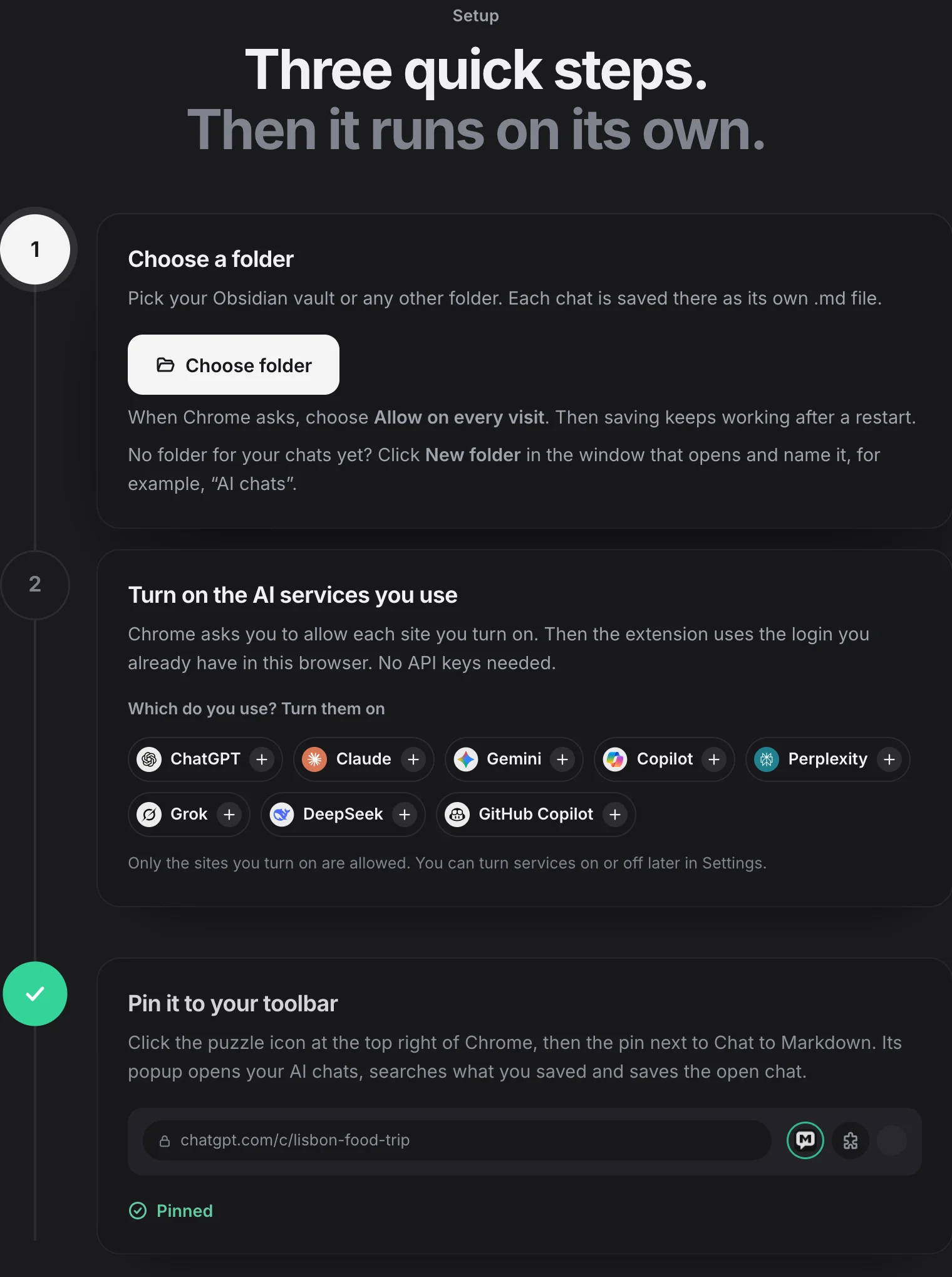
Not everyone has a folder waiting for their chats. Until one is chosen, the welcome page and Settings → Folder now say how to make it: click New folder in the picker and name it, for example, “AI chats”.
Fixed: the folder step in Brave
Brave ships with the folder feature turned off. There, Choose folder answered with an error in programmer’s words, and from the button at the top of the welcome page it looked as if nothing happened.
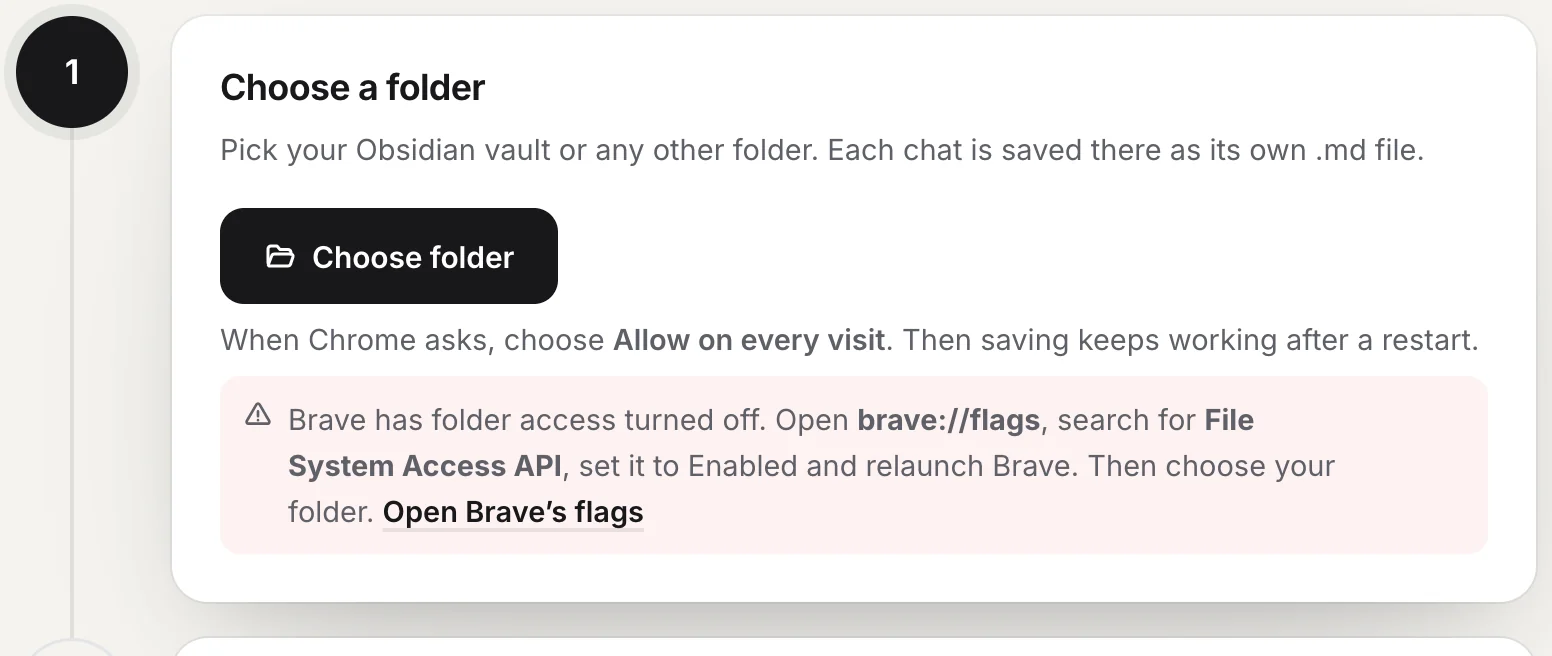
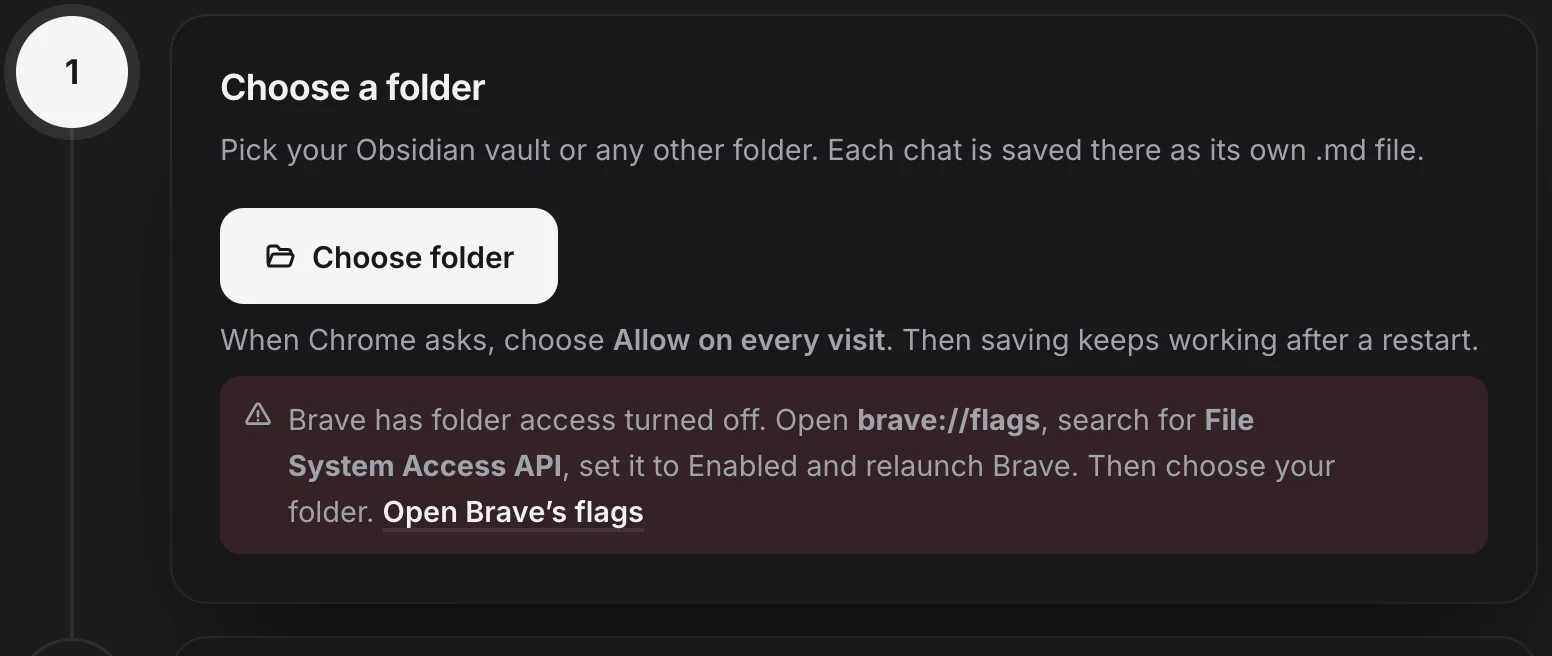
Now the extension says Brave has folder access turned off as soon as the page opens, with the steps and an Open Brave’s flags button: search for File System Access API, set it to Enabled and relaunch Brave. See Brave.
A browser that has no folder picker at all is told to use Chrome or Microsoft Edge on a computer.
Improved: the same messages in Settings and Import
Settings → Folder used to show a folder problem in a short message at the bottom of the page that was gone after three seconds. It now stays under the Choose folder button until you try again. The Import page shows the same reason under its Import button when it has no folder to import into.
Changed: one more usage event
To see where setup gets stuck, the extension now also tells our server when choosing brought no folder, and why: the picker was closed, or the browser has folder access turned off. It never includes the folder’s name or path. You can turn usage events off in Settings → What to save. See Privacy and permissions.
Questions
How do I get 1.0.4?
It is in the Chrome Web Store since 13 November 2026, and Chrome and Edge install it on their own. To check, open the extension's Settings and look at the version at the bottom of the page.
Do I have to set anything up again after updating?
No. Your folder, services, settings and saved chats stay as they are, and the update asks for no new permissions.
Why does Chrome say my folder contains system files?
Chrome doesn't let an extension use Documents, Desktop or Downloads themselves. Pick a folder inside one of them, or click New folder in the picker to make one.
Does it work in Brave now?
Yes, once folder access is turned on. Open brave://flags, search for File System Access API, set it to Enabled and relaunch Brave. The extension shows these steps where you choose the folder.